
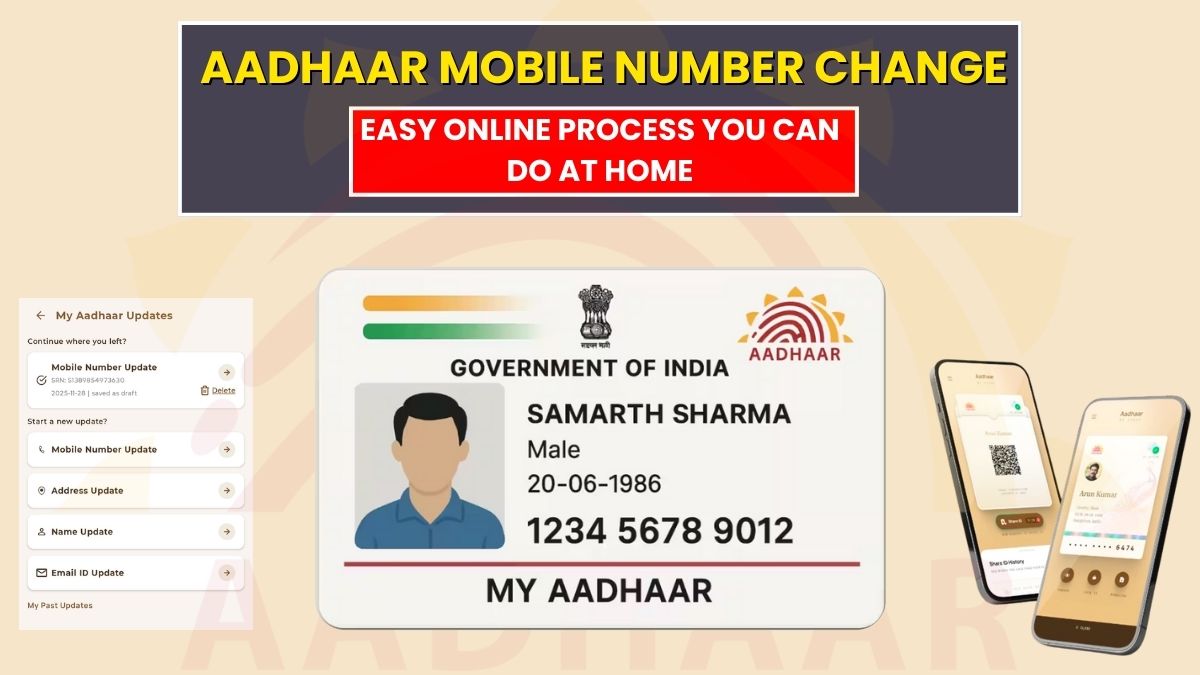
The Unique Identification Authority of India has launched a new mobile application named Aadhaar, with the help of which any person can easily update the mobile number of his Aadhaar sitting at home.
To update the mobile number in Aadhaar while sitting at home, it is necessary that you have the mobile number which is already linked with your Aadhaar. If you have the mobile number linked to your Aadhaar, you can update it very easily by paying a small charge.
In this article, we have discussed in detail updating the mobile number in Aadhaar. After reading this article, you will get to know how you can update the mobile number in your Aadhar, and that too sitting at home.
How to update a mobile number in Aadhaar without going anywhere?
In order to update your mobile number in Aadhaar without visiting the nearest Aadhaar enrolment centre, please follow the step-by-step instructions available below.
- Download a new Aadhaar application from the Play Store or App Store.
- Run the mobile application and click on the option that reads ‘I’m Ready with My Aadhaar’ and go to the screen.
- Your device will go through the SMS verification, which is expected to take a time of around five minutes.
- After this you have to go through the face verification and then click on the Update Aadhaar option.
- Click on the ‘Update Mobile Number’, and then enter your new mobile number, and then verify it.
- After verification you have to go through the face verification and then make payment of ₹75 using the debit card, credit card, or any other provided payment gateway.
After making payment for the mobile number update in Aadhaar, make sure to download the acknowledgement letter. It carries many details, including SRN, which is required to track the status of the requested service.
The request to update your mobile number in Aadhaar is processed within 30 days of submission. You can also check the status of whether your mobile number has been updated in Aadhaar through the UIDAI portal.
How to check the Aadhaar mobile number update status?
In order to check whether your mobile number is updated in your Aadhaar or not, please follow the step-by-step instructions.
- Visit the official website of the MyAadhaar, Unique Identification Authority of India, at https://myaadhaar.uidai.gov.in/.
- Find and click on the option that reads ‘Check enrollment or update status’, and get redirected to the next page.
- Now, you have to choose the option of SRN, enter your service request number, fill in your CAPTCHA, and then click on the Submit button.
After going through the instructions given above, you will see the ‘Your Aadhaar enrolment request is processed’ message.
If you see the message ‘Your Aadhaar enrolment request is under process. Please check again after a few days’. It means they are yet to validate the request and complete it.
How to verify that the mobile number Aadhar is updated?
To verify that your mobile number is updated with your Aadhaar, please go through the step-by-step instructions.
- Visit the official website of the UIDAI at https://uidai.gov.in/.
- On the homepage of UIDAI, find and click on ‘Verify an Aadhaar Number’, and get redirected to the next page.
- Click on the Login option, and get redirected to the login page.
- Fill in your Aadhaar Number and Captcha, and click on the Login with OTP button to get OTP.
- Fill in the one-time password (OTP) and click on the Login button to access the dashboard.
If you got the OTP on the updated mobile number, it means that the new mobile is updated in your Aadhaar.